Your audio isn't training data
Meeting audio is processed for your meeting and nothing else. No model training, no resale.
Topics, decisions, and open threads render into a live map while the room talks — no notes, no catching up afterward.
Watch a meeting draw itself: topic → branch → decision → map.
Start
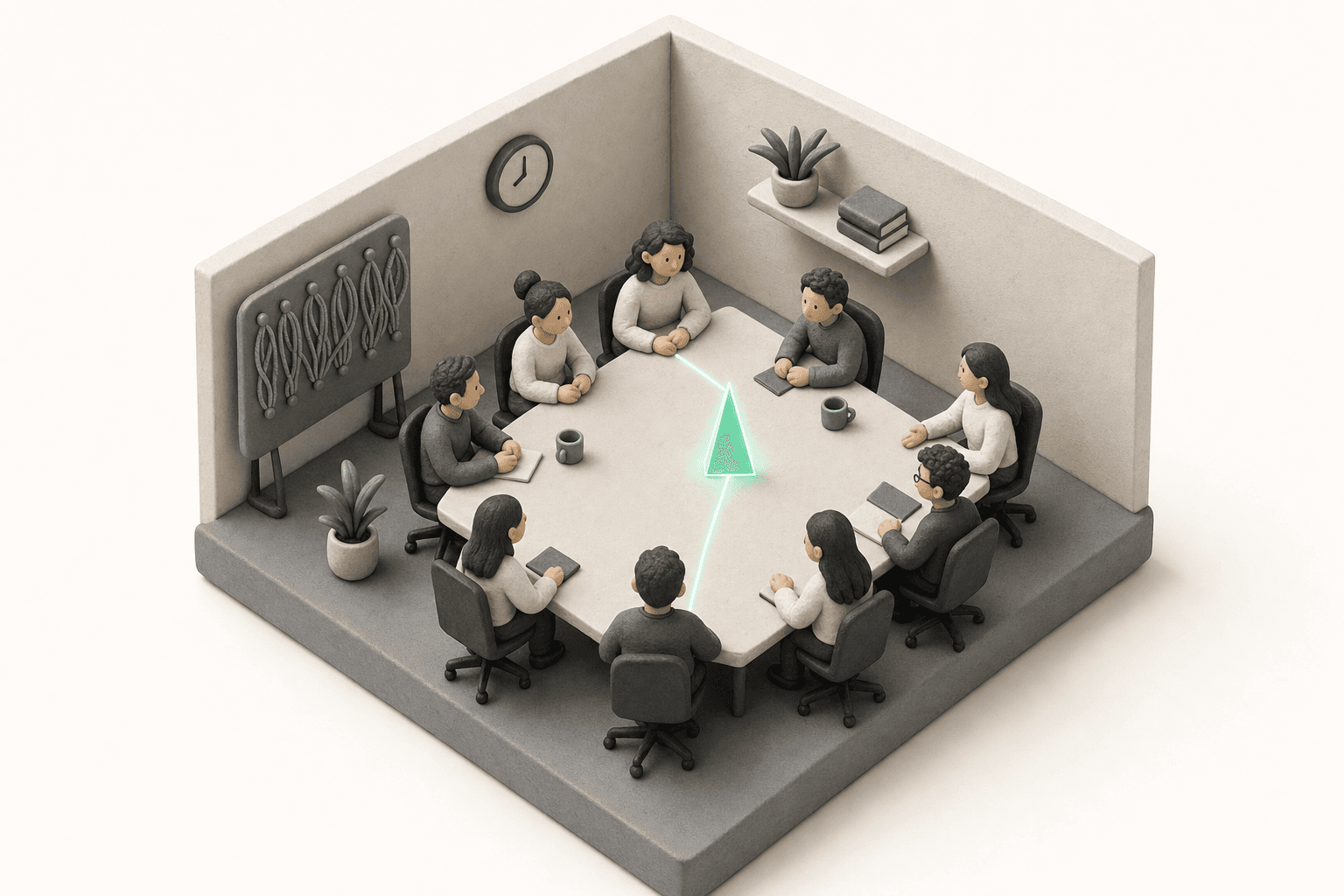
No agenda gate, no setup ritual. Start the meeting and Tack begins turning the conversation into a live map — the first topic appears the moment people start talking.
The room is live.
Start talking. Tack will find the first topic.
Branch
When a new thread opens, it does not derail the room — it becomes its own visible branch on the map, kept in view without stealing focus from the main topic.
Q3 Goals
Roadmap
Team agreed the sync moves — owner confirmed.
Vendor pricing changed — spun off as its own thread.
Decision / action
Decisions snap onto the map with their exact quote and speaker. Actions carry an owner and due date — placed live, with no one typing.
Q3 Goals
Decision pinnedRoadmap
Team agreed the sync moves — owner confirmed.
Vendor pricing changed — spun off as its own thread.
After
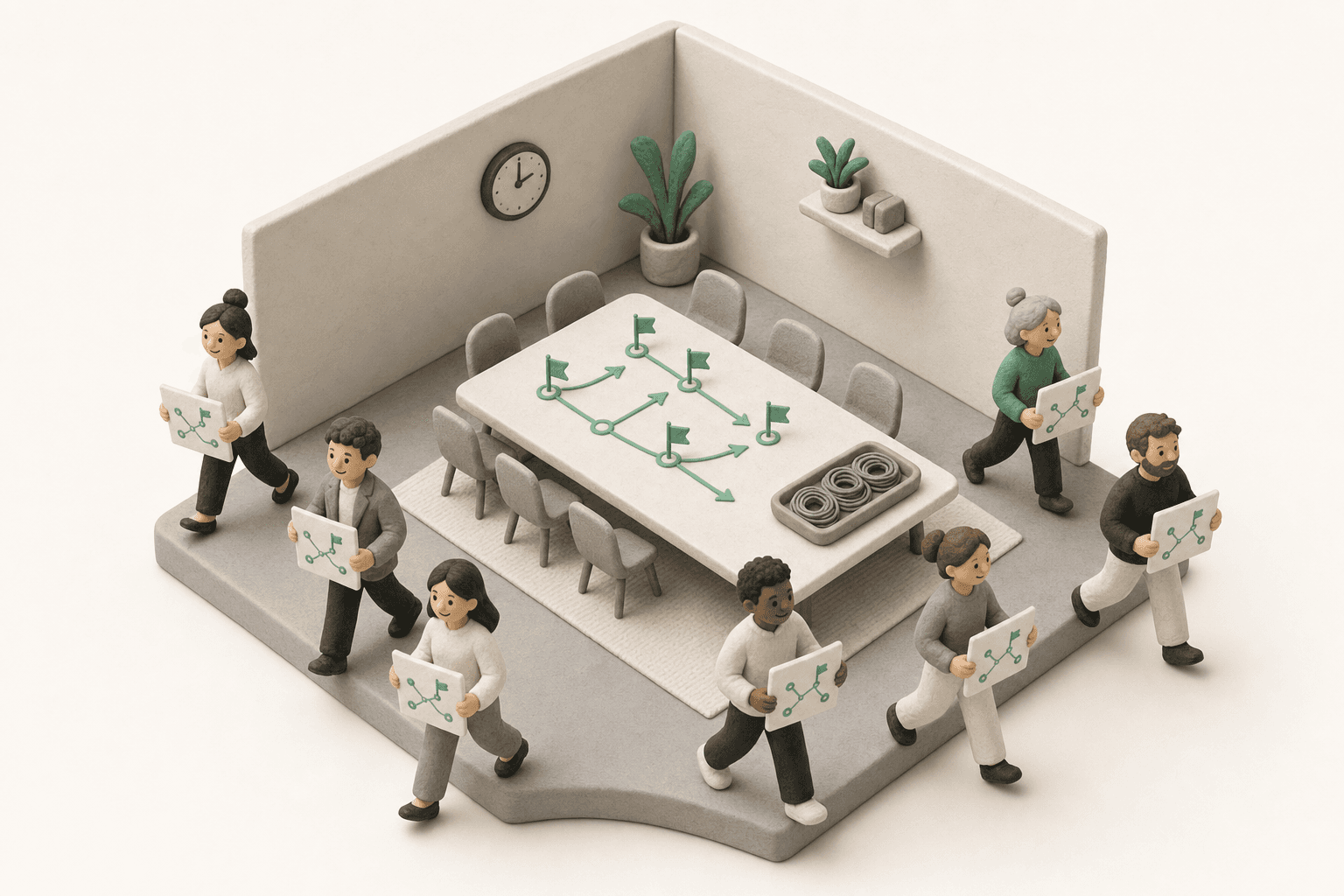
The finished screen is the map itself: every topic, decision, owner, and open thread in one view. No blank doc to write after hang-up.
Meeting recap
SummaryThe team locked Q3 priorities and decided to move the weekly team sync to Tuesday morning. Marcus will update the calendar invite by Friday. A budget review was raised mid-discussion and parked to keep the agenda on track.
Decision captured
Move the weekly team sync to Tuesday morning
Next action
Marcus · Friday
Update the calendar invite
Recap
The team locked Q3 priorities and decided to move the weekly team sync to Tuesday morning. Marcus will update the calendar invite by Friday. A budget review was raised mid-discussion and parked to keep the agenda on track.
Decision
Move the weekly team sync to Tuesday morning
Action
Update the calendar invite
Marcus · Friday
Outcome map
Q3 Goals
Product Roadmap
Team Updates
Open thread
Budget review
Kept visible on the map, ready for the next follow-up.
How Tack stays out of the room
No bot joins your call. How this works
One person runs Tack in a browser tab. How this works
Audio is processed for your meeting — not model training. How this works
Meetings, transcripts, and decisions are scoped to your organization. How this works
Why teams switch
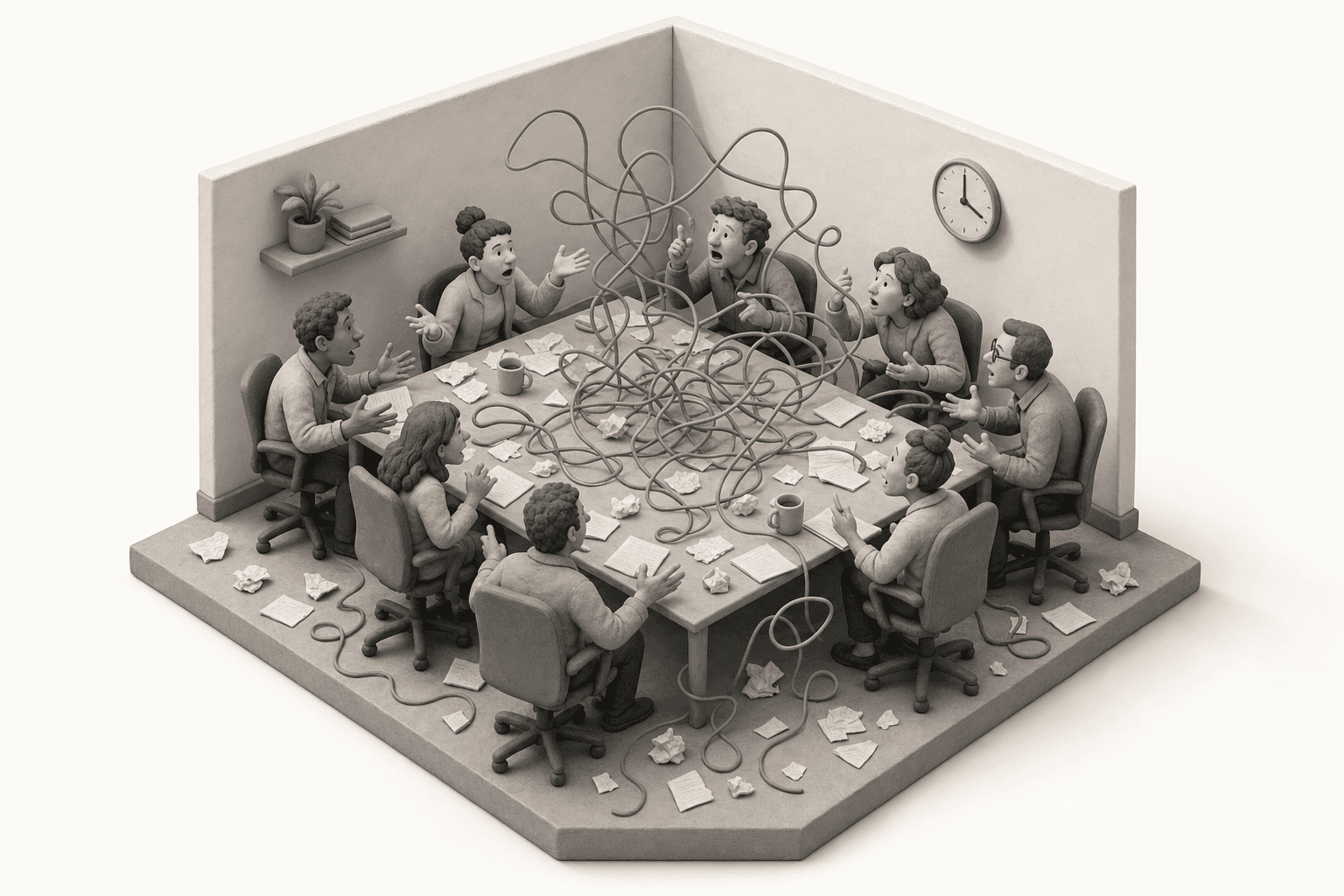
Note-takers hand you a transcript. Tack hands you the picture, as it forms.
Structure drawn
Live
topics branch onto the map as the conversation moves
Every decision
Pinned
placed on the map with speaker, timestamp, and evidence quote
After the call
0 min
of writing minutes; the finished map is the summary
During the meeting
While the room talks, Tack places every topic, decision, and thread onto the map — so the shape of the meeting is visible the moment it forms.
Q3 Goals
Decision pinnedRoadmap
Team agreed the sync moves — owner confirmed.
Vendor pricing changed — spun off as its own thread.
Tack vs. note-takers
What you get
AI note-takers
A wall of transcript to read
Tack
A live map of the conversation as it happens
When it works
AI note-takers
After the call
Tack
During the call, in front of everyone
Structure
AI note-takers
You reconstruct it later
Tack
Drawn automatically as people talk
Decisions
AI note-takers
Buried in paragraphs
Tack
Pinned to the map with the evidence quote
Open threads
AI note-takers
Lost in the scroll
Tack
Kept visible on the map until they close
What leaves the meeting
AI note-takers
A transcript to read later
Tack
One shared map: topics, decisions, named owners, and open threads
Why we built this
“Every tool hands you the meeting as a wall of text once it is over, and asks you to rebuild the picture from scratch. Tack draws that picture while the conversation is still happening — so you can see it, not reconstruct it.”
Hong Bing · Founder, Tack
Meeting audio is processed for your meeting and nothing else. No model training, no resale.
Every meeting, transcript, and decision is isolated to your org. Google sign-in, invite-gated access.
No bot participant in the meeting. Tack runs quietly in your browser tab, so the room stays focused.
Common questions
Invite-gated early access
Founding teams get white-glove setup for their first live session.
Claim your seat in Wave 1One Google sign-in. No credit card.